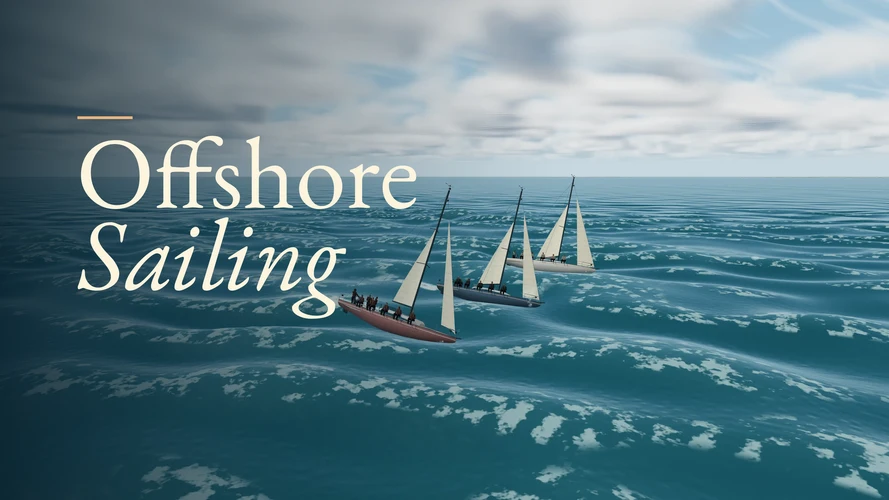
Racing in close quarters
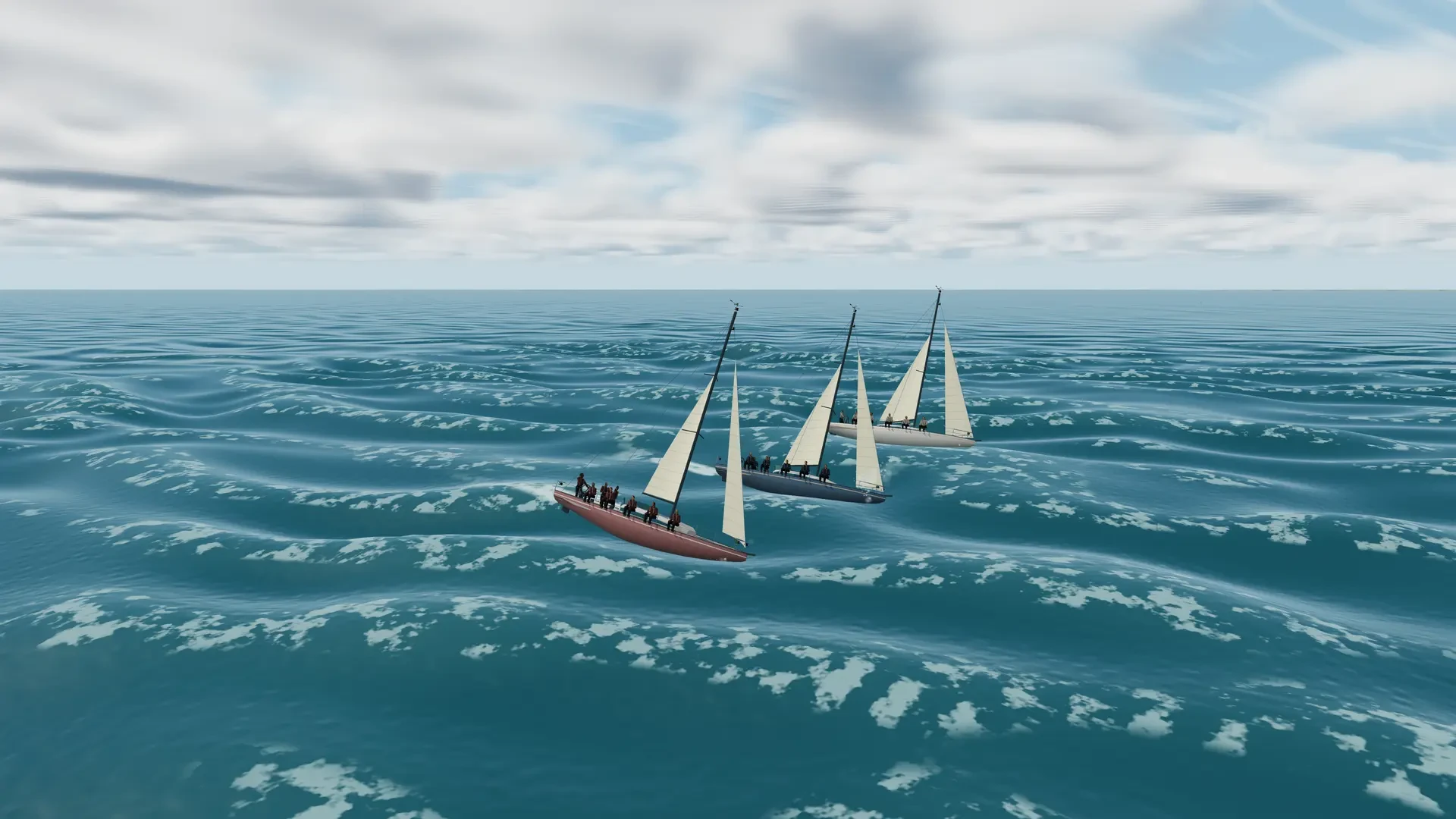
There’s a boat on your hip and a mark just ahead. Hold your line, or tack for clear air? Race the same one-design yacht as the rest of the fleet. Read the wind, check the tide and decide where to cross.
 OFFSHORE SAILINGQuest development
 Yacht racing
Take the helm of an Offshore 44. Pick your way through the fleet, round the marks and race on charted waters.
Checking available builds…
Enable developer mode on your Quest. For a first install, connect it to a computer with a USB data cable and open this page in desktop Chrome or Edge. Select Install to connected Quest and allow the connection in your headset.
In Quest Browser you can also download the APK. If your headset offers Install when you open the download, confirm it. Launch Offshore Cinema · Dev from Library → Unknown Sources.
For later updates, select the build number under the cinema screen. Choose the newer version here, then select Install on the cinema toolbar and confirm in your headset.
Download the signed APKThere’s a boat on your hip and a mark just ahead. Hold your line, or tack for clear air? Race the same one-design yacht as the rest of the fleet. Read the wind, check the tide and decide where to cross.
Pull the race desk within reach to work on the chart. Push it out across a sunset harbor and watch the fleet on a theater-sized screen. When you want the wheel in your hands, board the same boat in VR.
Sail a private practice with AI skippers, enter a scheduled sprint, or settle in for a longer race. Your race-lab account keeps your boat and orders across the chart, the race desk and the helm.